What is Data Teams?
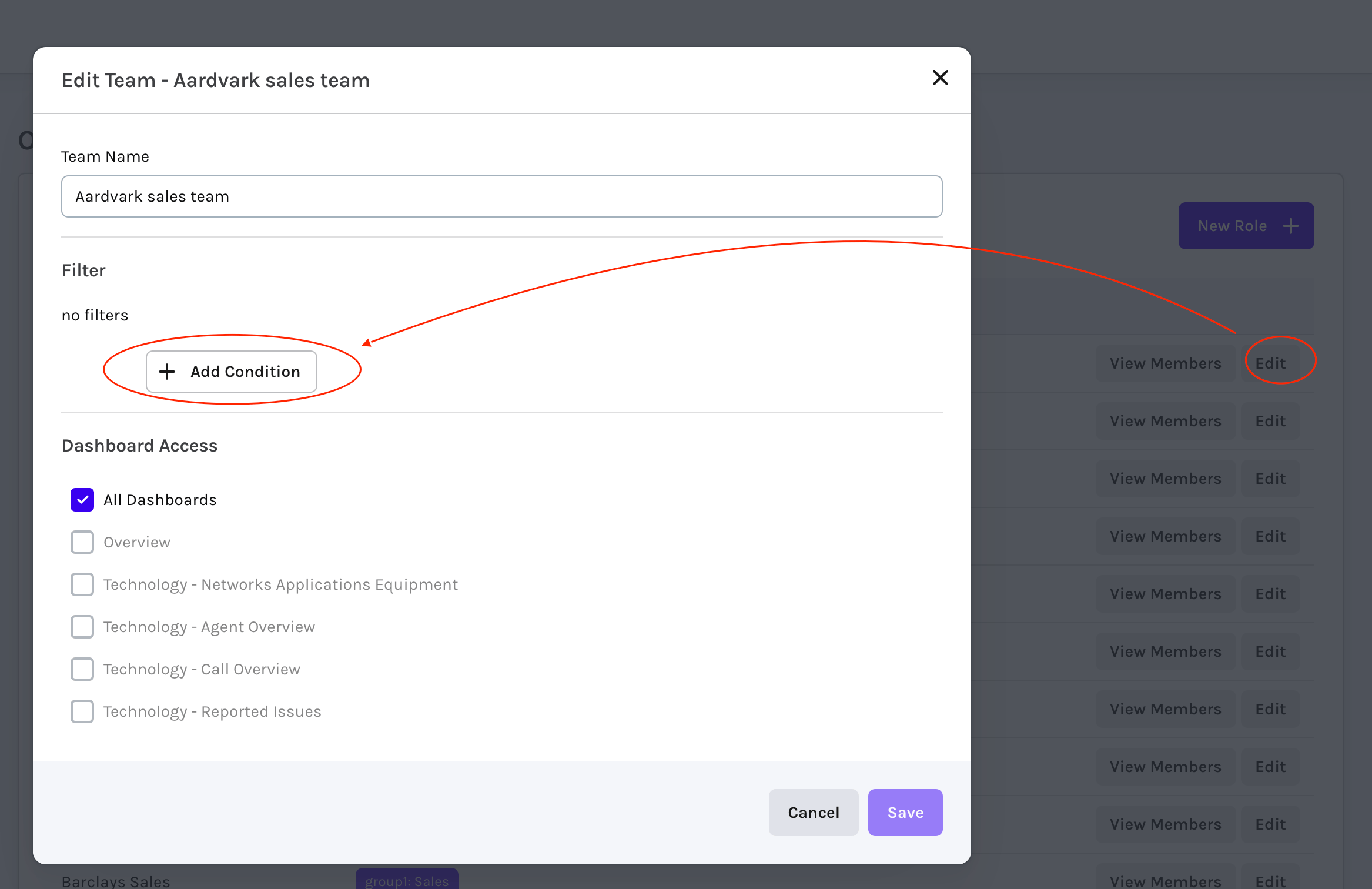
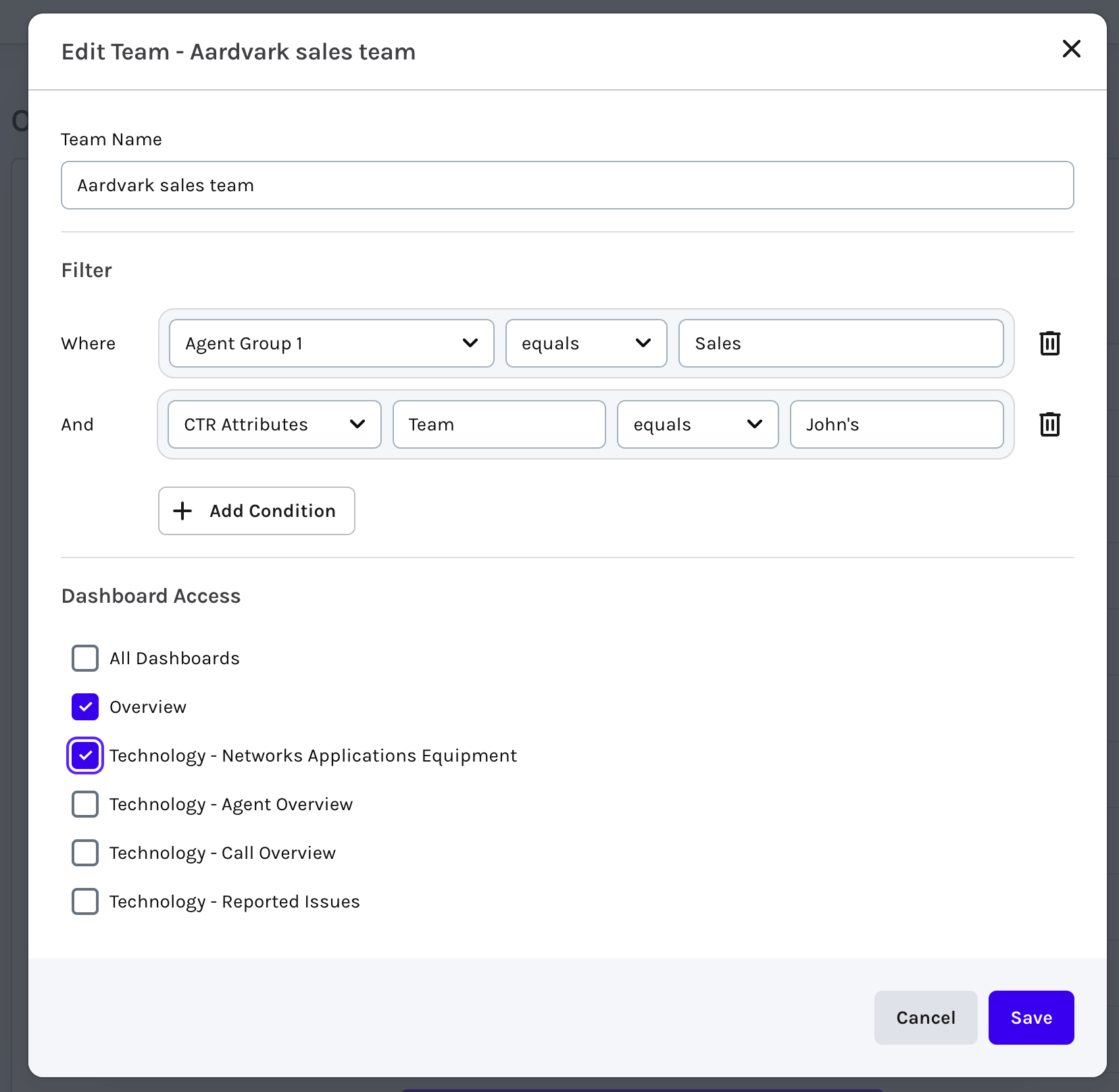
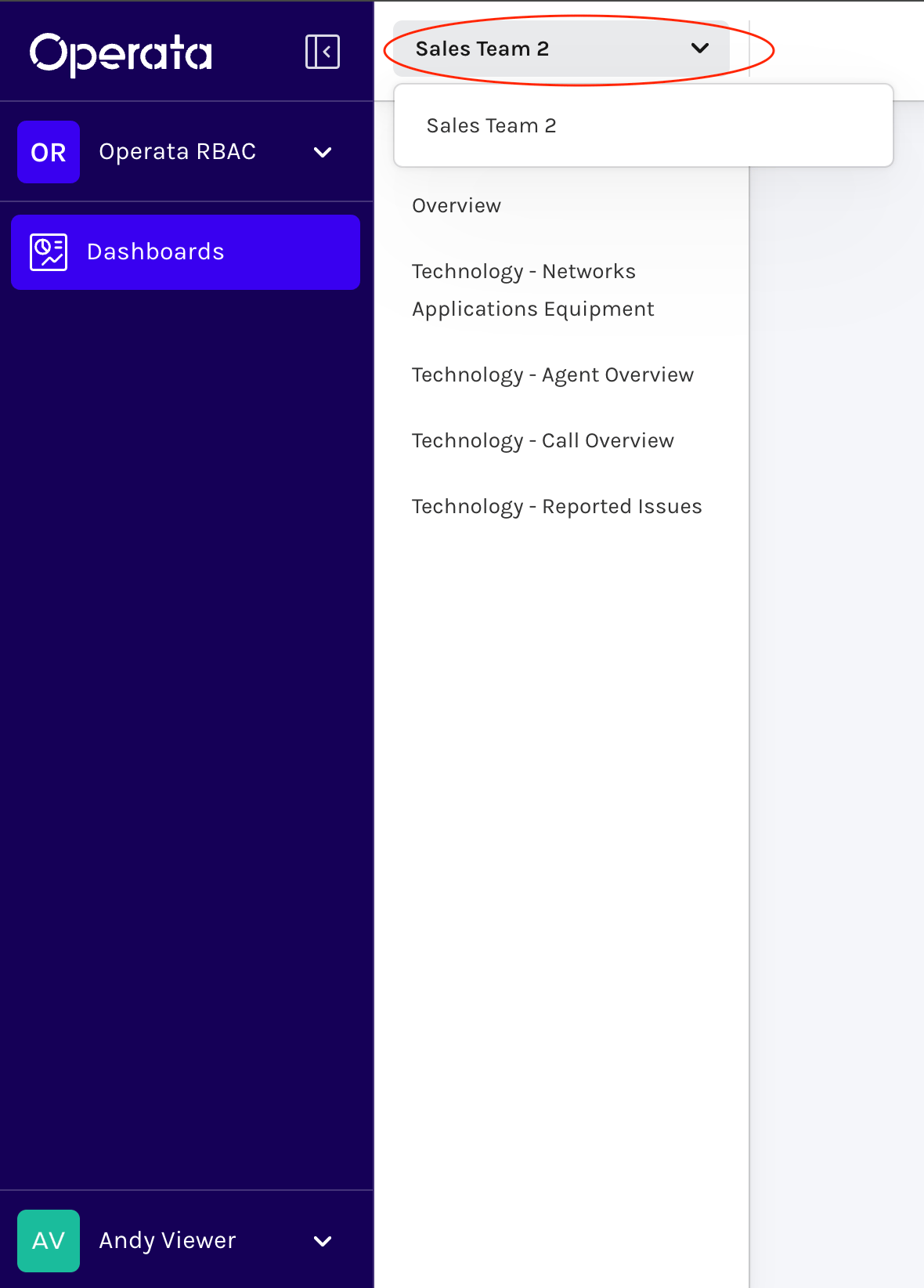
You can now limit the data seen by Teammates when they login to Operata, giving access to a sub-set of Canvas dashboards that only show data for specific agents/calls based on:- Agent Groups (from Hierarchy Groups within Amazon Connect customers)
- Call Attributes (from Contact Trace Records (CTR) within Amazon Connect customers)
Using Data Teams
There is a new type of Operata Teammate called a Group Viewer that can be configured within one or more Teams that Filters the data they see dashboards based on defined Agent Groups or CTR attributes. Note: User and Admin user types can also be configured as Members within Data Teams, this will limit the Dashboards they can see, but NOT any of the Filter conditions.Creating Viewer Teammates
When creating a Teammate select the Role ‘Group Viewer’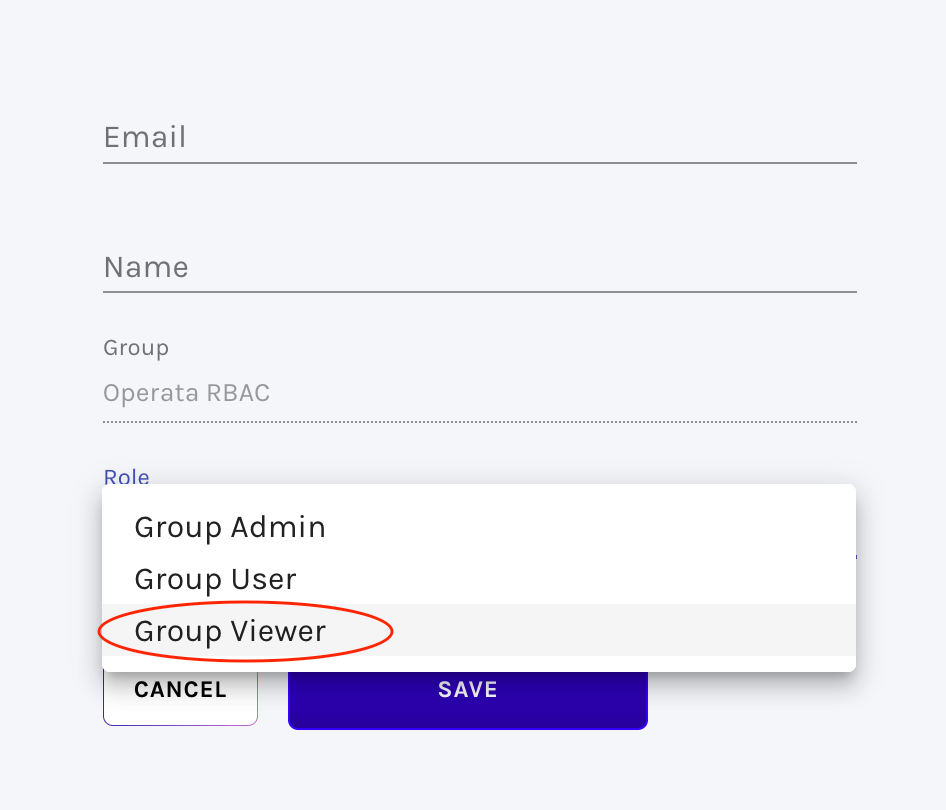
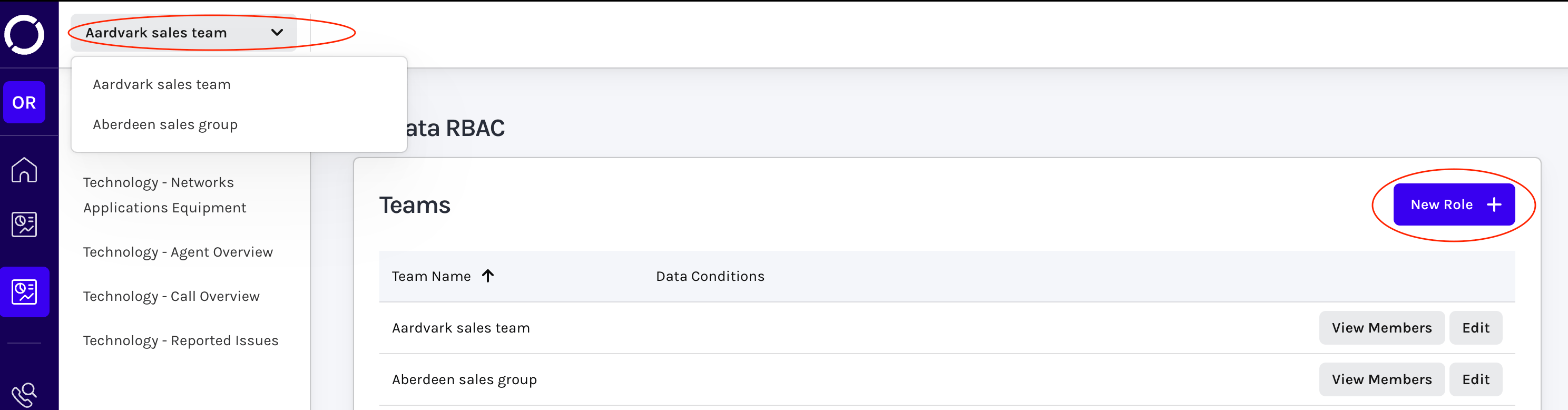
Creating Teams
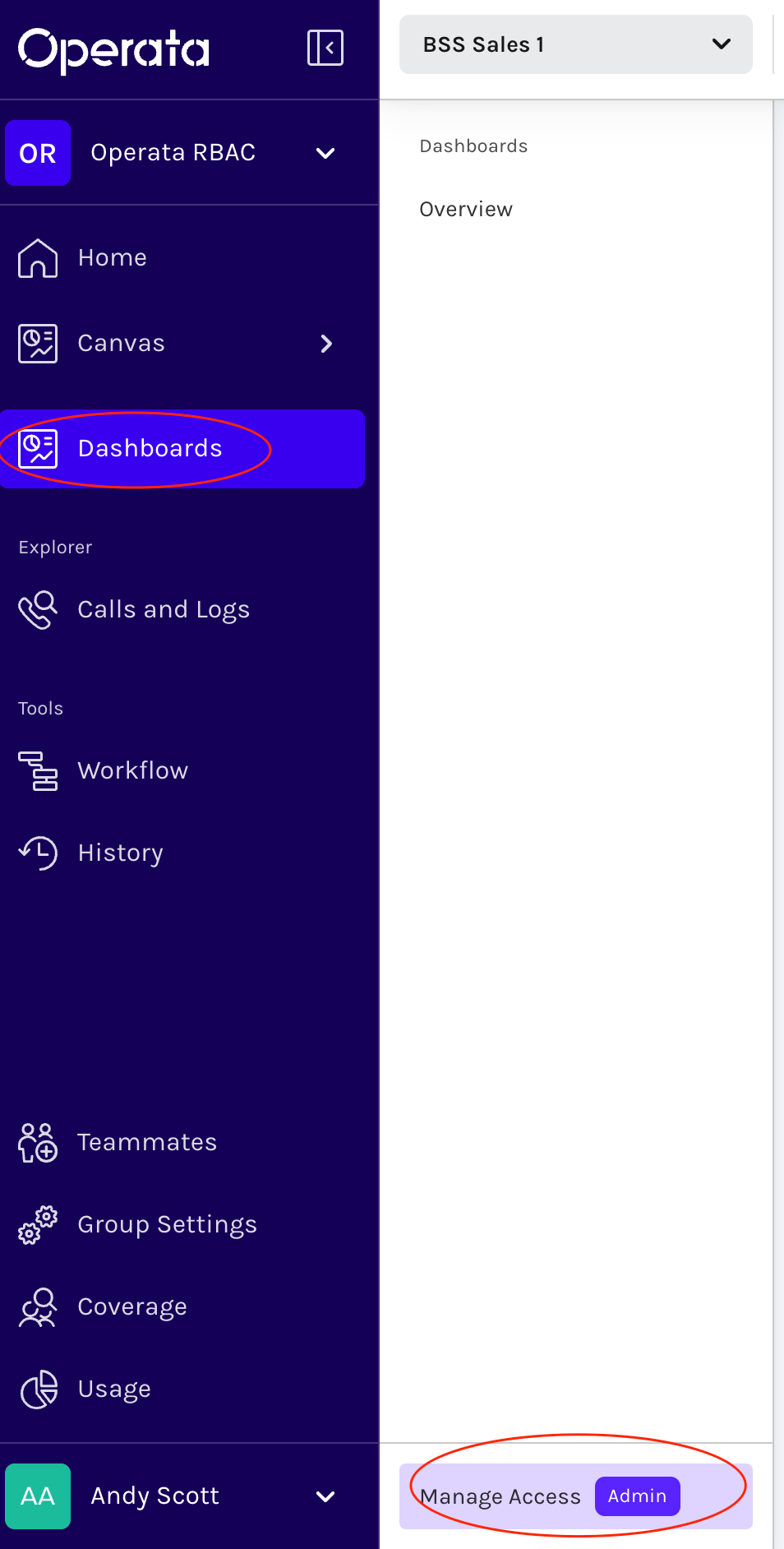
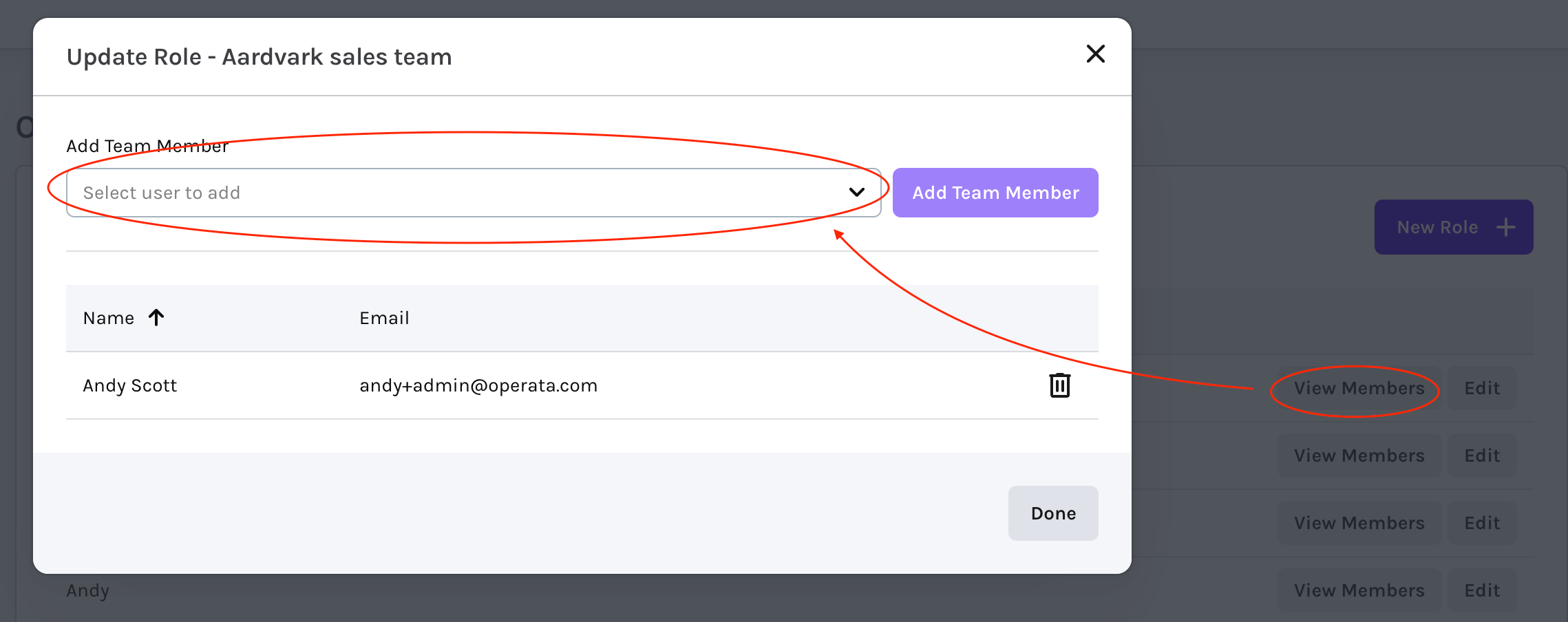
Teams define both the data filters and access to specific dashboards. Admin level Teammates can create, edit and delete Teams and then add Teammates to them, here’s how.. Select Dashboards and then Manage Access