Adding Teammates
Select the Teammates tab and Add Teammates to add someone.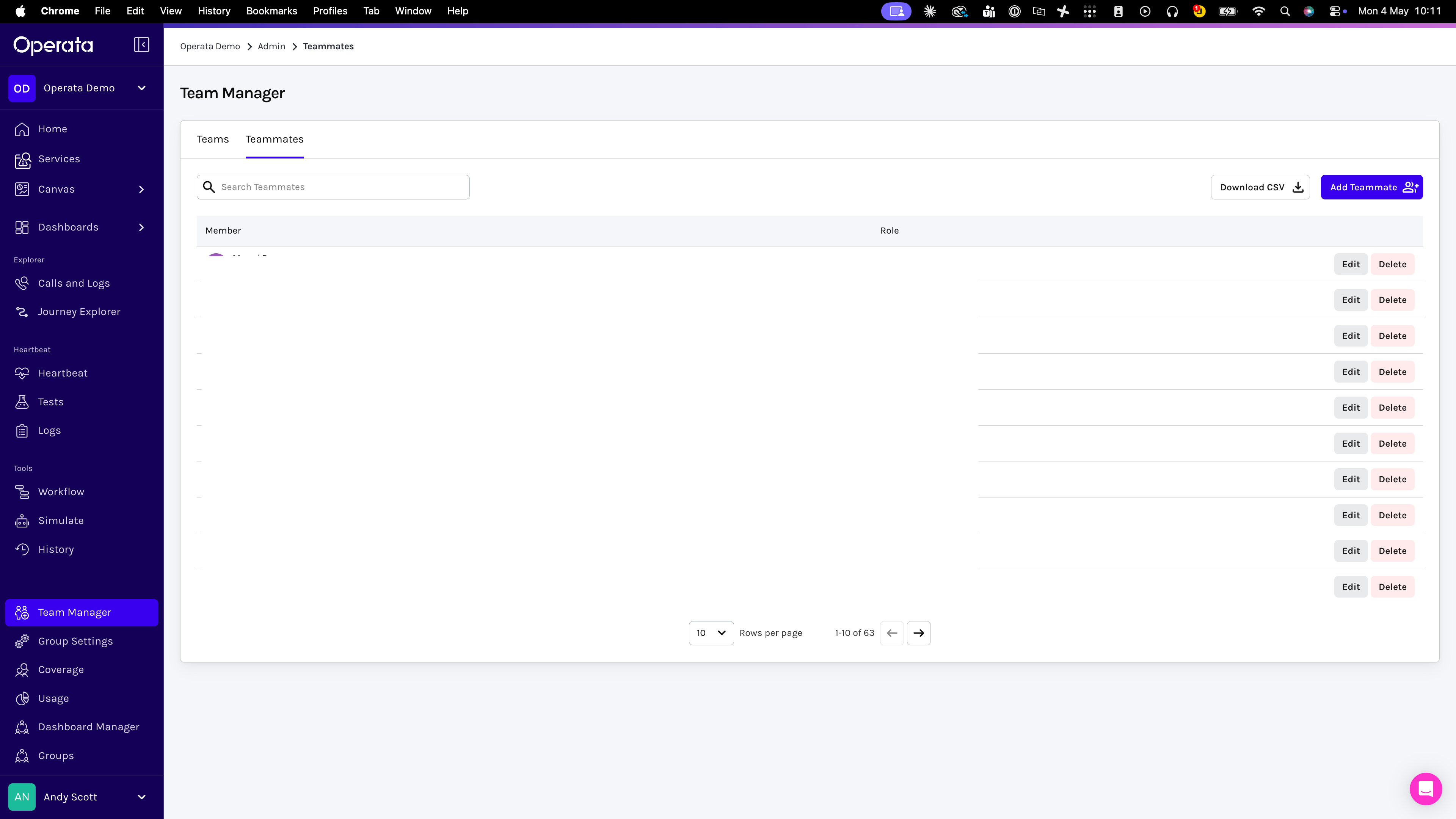
-
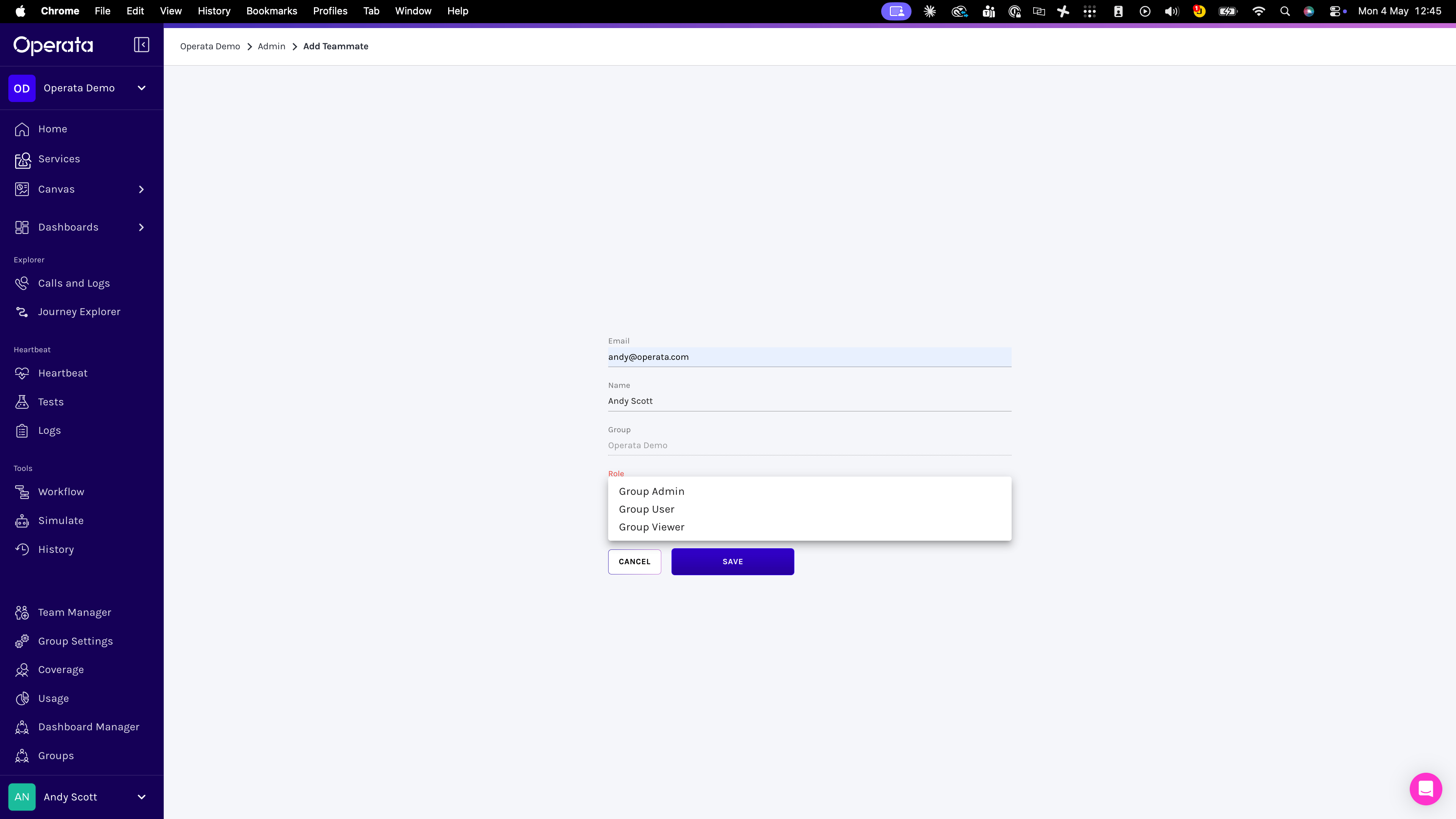
Fill in the details, selecting the Role:
- Group Admin can create other Teammates and has full access.
- Group User can view but not create anything.
- Group Viewer can view only the dashboards and agents configured in Data Teams.
Teammates (users) Roles
The features accessible at each level are in the table below.
* Needs the Data Teams feature to be enabled, which limits views to specific dashboards with specific data.
Activate Account emails
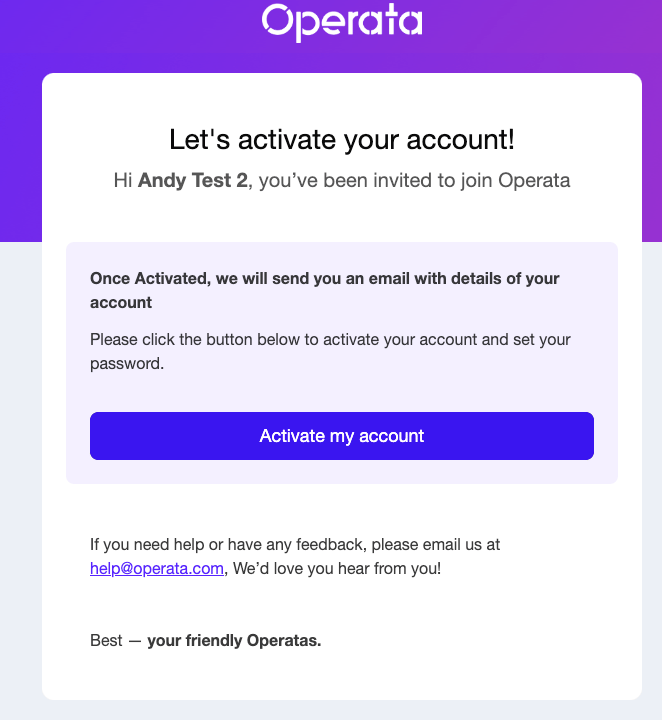
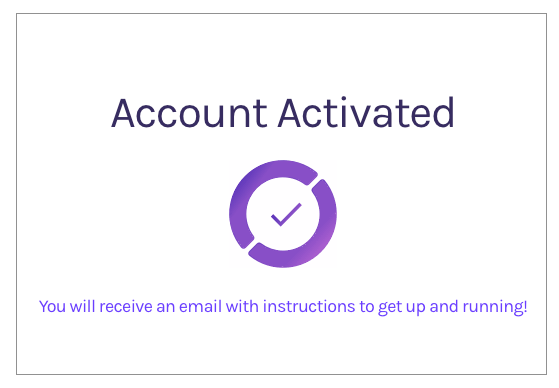
Once the account has been created, they receive an account activation email, then once confirmed, a second set-up password email from Operata (help@operata.com)seeAccount Activation
Set your password email
The following email you receive will prompt you to set your password. Note: You need to Set your password, even when using Single Sign On (SSO)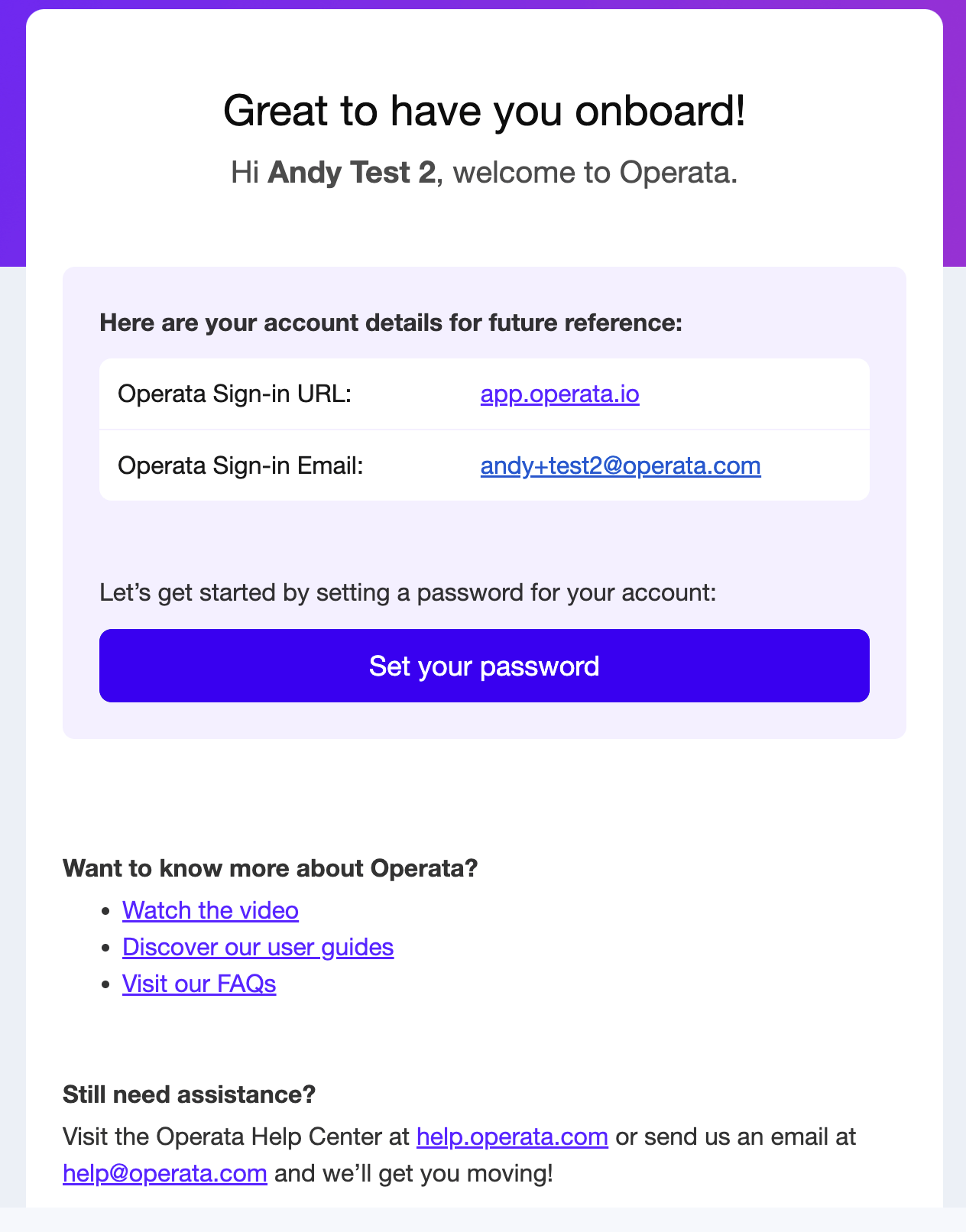
- Lower case letter
- Upper case letter
- Number
- Special Character
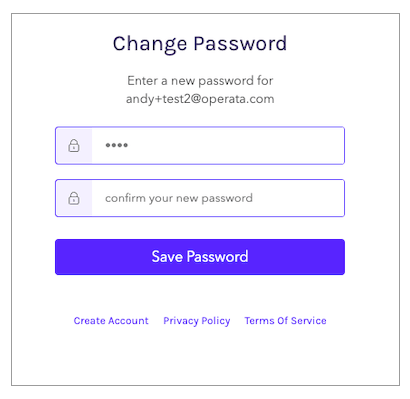
3. Now sign in using your email address and password.
If you are using SSO, you will not be prompted for a password.